Jump to Content
Insomnia Labs Products
HomeGuidesAPI Reference
Log InInsomnia Labs Products
Guides
Log In
HomeGuidesAPI Reference
All
Pages
Start typing to search…

Loyalty+

  • Getting Started with Loyalty+
  • Projects
    • What is a Project?
    • Setting up a Project/Sub Project
  • Memberships
    • What is a Membership?
    • Creating a Membership Tier
    • Deleting a Membership Tier
  • Seasons
    • What is a Season?
    • Creating a Season
    • Updating a Season
    • Deleting a Season
    • Starting the next Season
  • Badges
    • What is a Badge?
    • Creating a Badge
    • Deleting a Badge
  • Events
    • What is an Event?
    • Creating an Event
    • Deleting an Event
  • Missions
    • What is a Mission?
    • Creating a Mission
  • JavaScript SDK

UID & Data Integrity

  • Universal ID Overview
  • Data Unification Strategies
  • Data Collection & Integration Pipelines
  • Data Usage, Applications & Security
  • Data Integrity
  • Technical Details
    • UID Connection
    • Data Integrity
  • SDK Docs
Powered by 

Deleting an Event

🚧

An event can only be deleted if it has not been assigned to a mission

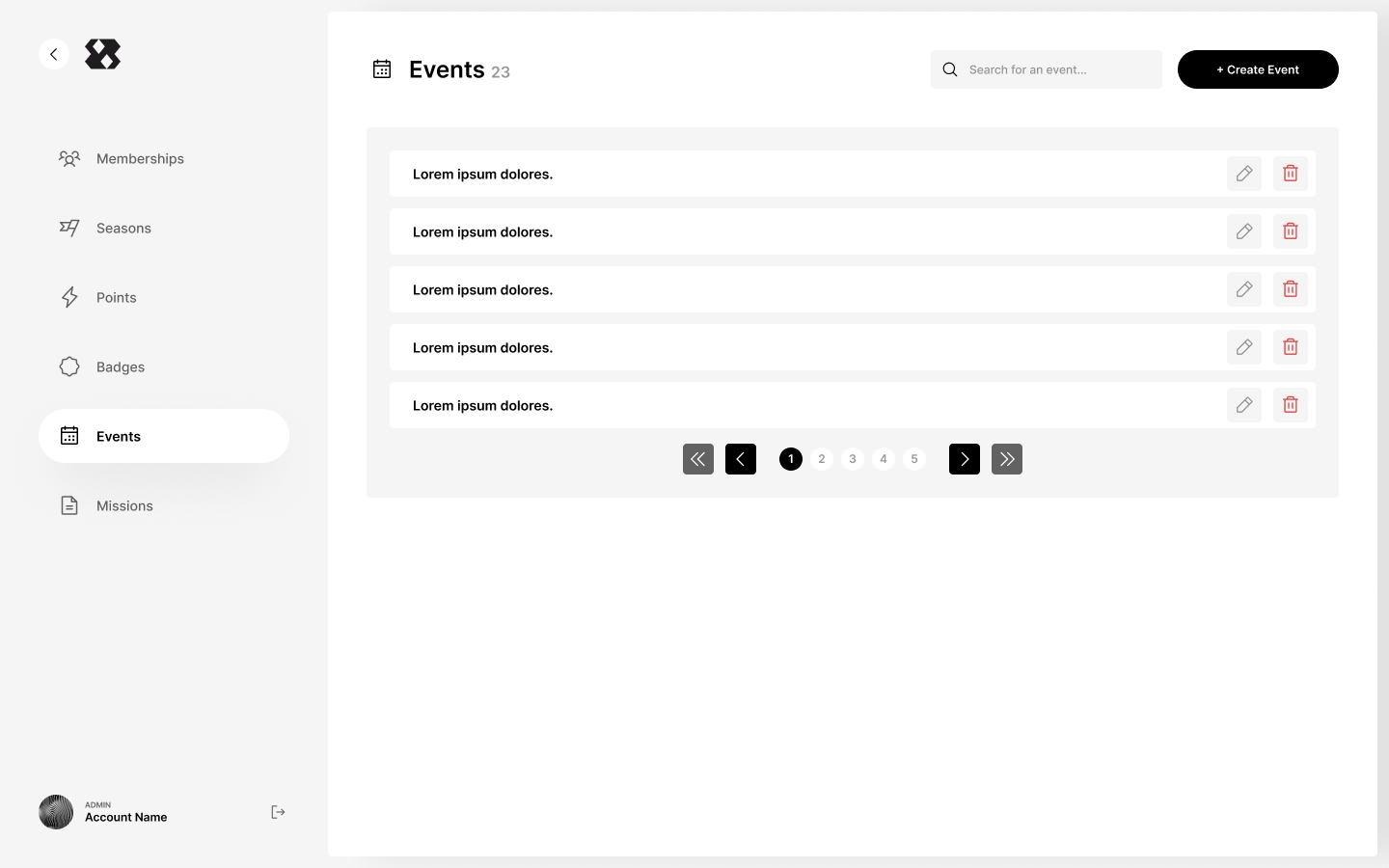
To delete an event:

  1. On the events page, navigate to the delete icon and click on it
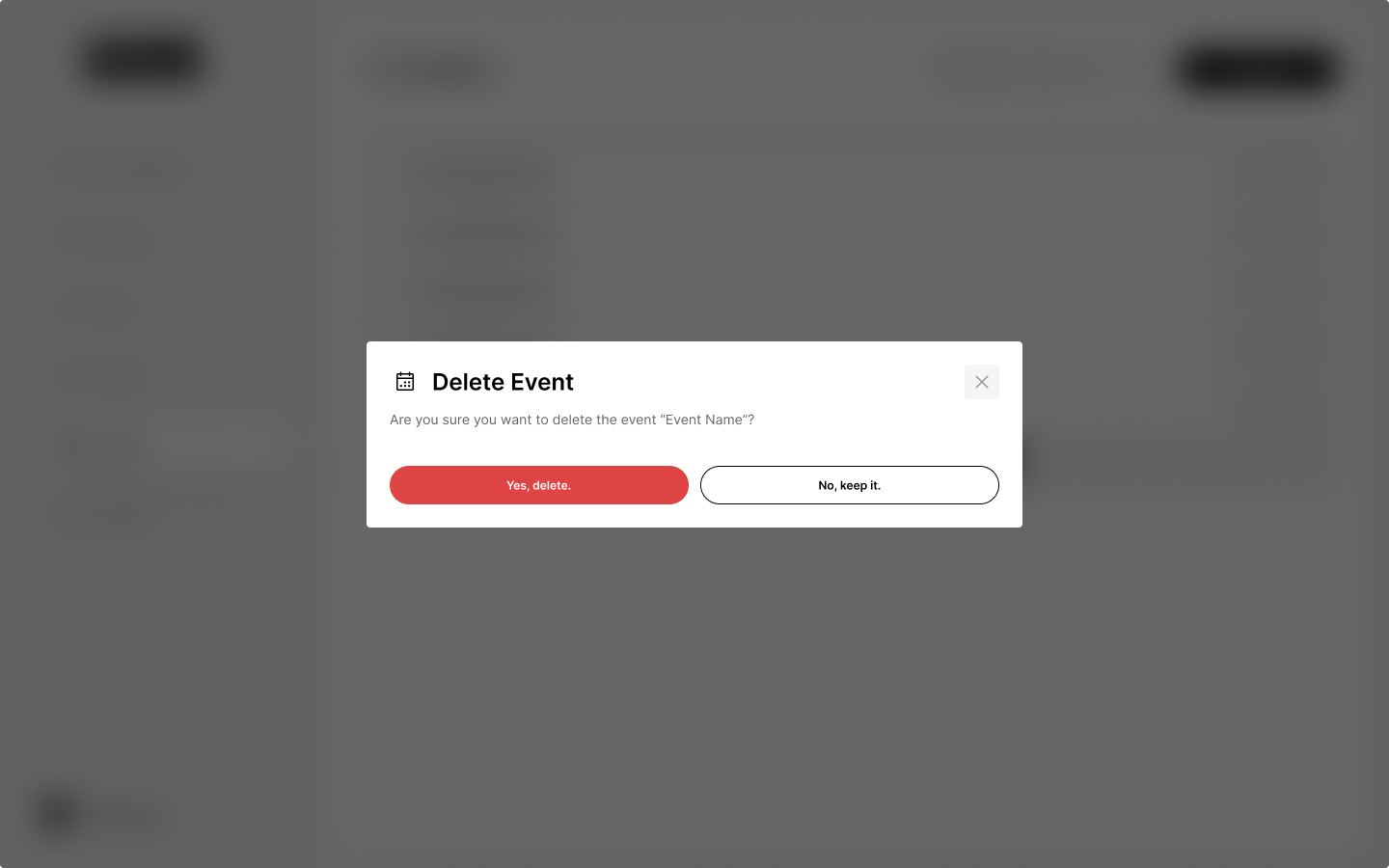
  2. Confirm the action to delete the event
  3. The event is deleted

Updated 10 months ago


Creating an Event
Missions